Jump to content

david_888

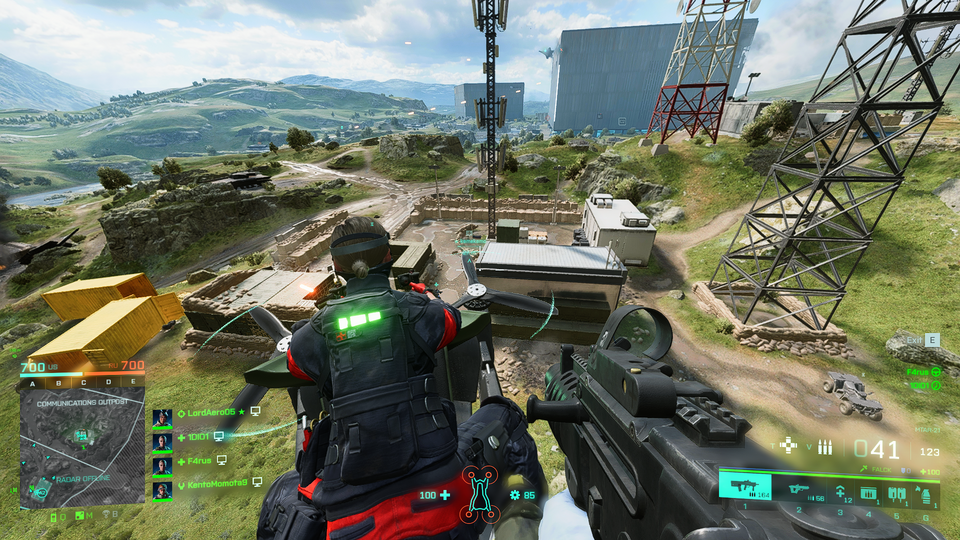
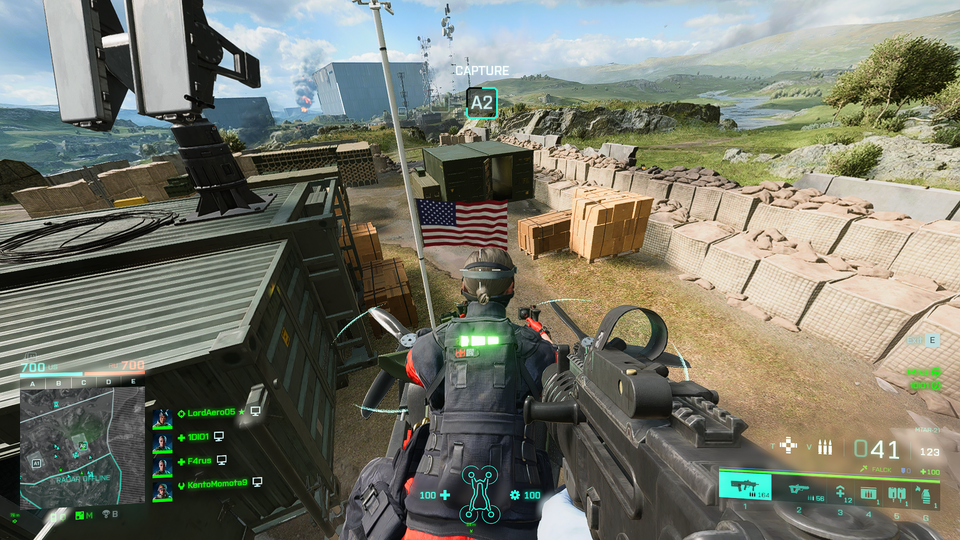
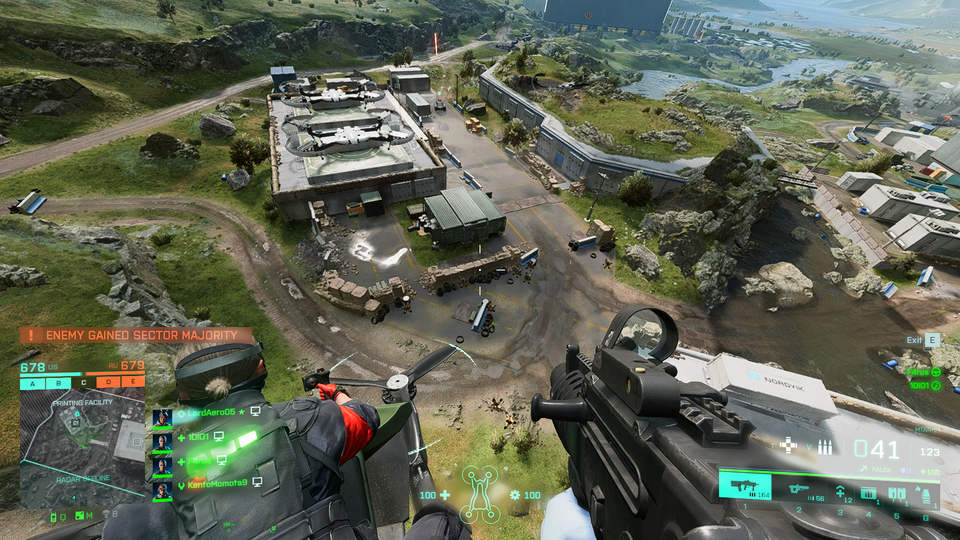
VIP
  • Posts

    18575
  • Joined

  • Days Won

    275

Everything posted by david_888

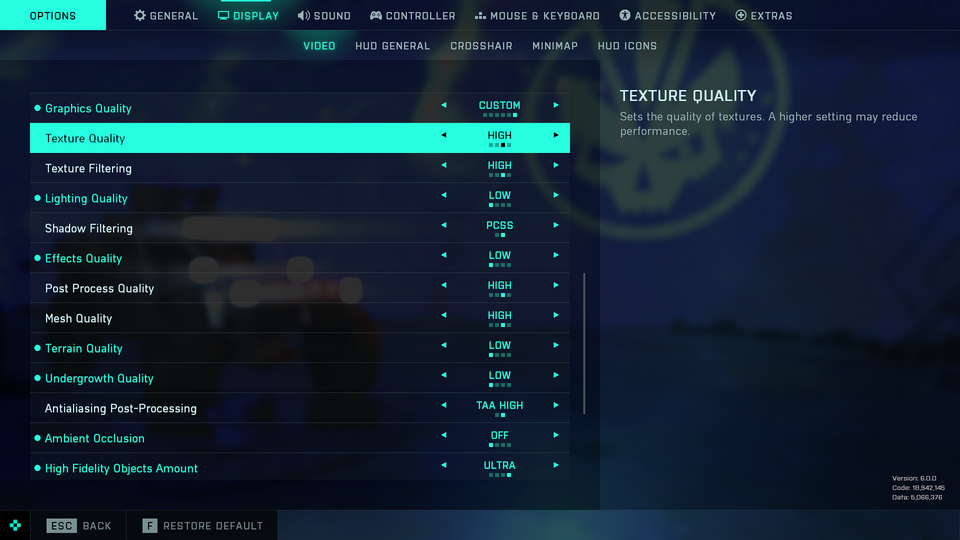
  1. კარგი, ვიდეო უპრობლემოდ გაგიქაჩავს, მარა აი პროცი გაქ ძაან კუანა, საკაიფოდ დაალიმიტებს, მე შერეული სეთინგებით 150 კარდი მაქ
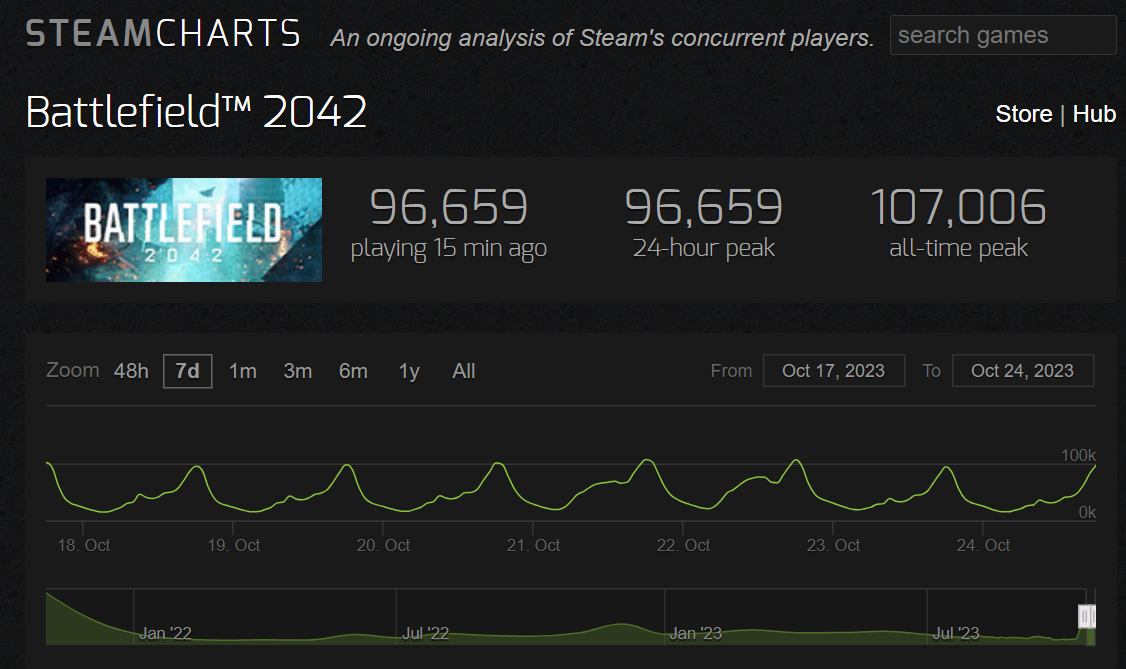
  2. გასაბანძებელი არაფერი აქ, ძაან კაი თამაშია თან ტექნიკურად მოხოდილი, მე 1 წელია უკვე ვთამაშობ 8/10 შევაფასებდი, რუკები ვერაა ჩემი გემოვნებით ისეთი კაი როგორც 4-ში იყო, მარა საერთო ჯამში კაი თამაშია ისე ვინ აბანძებს? კაი ხანია ყველა აქებს უკვე, ასხავდენ პირველი წელი, მერე ფაქტიურად თავიდან გააკეთეს თამაში, რელიზთან შედარებით ყველაფერი შეცვლილია, საერთოდ ყველაფერი გადააკეთეს, კლასების სისტემა რუქებს ყველას რევორქი გაუკეთეს და ა.შ, 4-ე სეზონიდან გახდა კარგი რამე
  3. რა და სრანდარტული, სტიმის და ea-ს სინქრონიზაციის პრობლემა
  4. ეს ea-ს თამაშია და სტიმიდან კასტილებით უნდა გაეშვას, სირობაა ორივე კლიენტი რო სჭირდება ერთდროულად მე rdr2-ზე მომივიდა ეგრე, ეპიკზე ვიყიდე და ცალკე როკსტარო უნდა გაეშვას კიდე რო ცაირთოს, ცხოვრებაში აღარ ვიყიდი ეგრე
  5. ცალკე რო ხსნი იხსნება? ან სტიმი რად გინდოდა პირდაპირ ea-დან გადმოგეწერა ყიდვასაც თუ დააპირებ პირდაპირ ea-დან იყიდე
  6. ეხლაც უფასოა 16-მდეა ეგ ამბავი, შენ გაქ რაღაც ლოკალური პრობლემა ისე ვესაც გაგისწორდათ კაი დროა საყიდლად, დიდ სეილშია +- 25 ლარი გამოდის
  7. ეგეც თავზე გადამდის საჩემო თამაში მაინც აღრაფერი გამოდის და რაცაა ჯერჯერობით ყველაფერი საკაიფოდ მიაქვს მითუმეტეს რო frs მოიხოდა თუ რამე
  8. მე 1 წელია pc-ზე აღარაფერი დამიხარჯავს
  9. რავი აბა, მე ვაფშე გამიტრუხდა არც ფული მაქ არც სურვილი
  10. ნეტა ერთი შენ )))
  11. არამგონია, ეხლა ea დასჭირდება ალბათ, მე სტიმს არ ვიყენებ ზუსტად არ ვიცი ea app https://www.ea.com/ea-app
  12. სადღაა ორიჯინი
  13. 6-ე სეზონის გამოსვლის მერე მონაცემები აღარ გამოაქ აღარც fps monitor-ს და აღარც msi afterburner-ს, wtf
  14. რა შეჩვევა უნდა 30-40 საათში უკვე მოხვალ აზზე მეტნაკლებად
  15. არ გიყვარს ონლაინი და რისთვის უნდა გადმოწერო, 10 წელია აღარ გითამაშია
  16. AMD Software: Adrenalin Edition 23.10.1 Release Notes Article Number RN-RAD-WIN-23-10-1 New Feature Highlights New Game Support Assassin's Creed Mirage The Lords of the Fallen Anti-Lag+ Support Counter Strike 2 Fixed Issues Intermittent app crash while playing Starfield on Radeon™ RX 7000 Series Graphics Products. Intermittent driver crash while playing Counter Strike 2 with MSAA or FSR enabled on some AMD Graphics Products, such as the Radeon™ RX 7900 XTX. Improvements to stutter experienced while playing Counter Strike 2. EA SPORTS FC™ 24 may fail to open on some AMD Graphics Products, such as the Radeon™ RX 7800 XT. System freeze or black screen when playing video files on Radeon™ RX 6000 Series Graphics Products. The display may intermittently freeze after changing the encode format while streaming select games with AMD Link. Known Issues Performance Metrics Overlay may report N/A for FPS on various games. Audio may intermittently become out of sync with video when recording from AMD Software: Adrenalin Edition with AV1 codec. Corruption may be observed in Forza Motorsport when RT is enabled. Intermittent flickering may be briefly observed in Total War: Pharaoh’s menus after changing graphics settings. Important Notes Factory Reset has been temporarily disabled as a precautionary measure while we address isolated installation issues that have been reported during PC upgrades. Users may use AMD Cleanup Utility as a temporary option. For users who previously installed an AMD Software insider preview driver, running AMD Cleanup Utility is recommended before installing this driver. Package Contents AMD Software: Adrenalin Edition 23.10.1 Driver Version 23.20.17.01 for Windows® 10 and Windows® 11 (Windows Driver Store Version 31.0.22017.1011). The AMD Software: Adrenalin Edition 23.10.1 installation package can be downloaded from the following link: By clicking the Download button, you are confirming that you have read and agreed to be bound by the terms and conditions of the End User License Agreement (“EULA”). If you do not agree to the terms and conditions of these licenses, you do not have a license to any of the AMD software provided by this download. AMD Software: Adrenalin Edition 23.10.1 Driver for Windows® 10 & Windows® 11 64-bit Systems pairing RDNA series graphics products with Polaris or Vega series graphics products: AMD Software: Adrenalin Edition 23.10.1 Driver Including Vega and Polaris Series Graphics Support for Windows® 10 & Windows® 11 64-bit Installing AMD Software: Adrenalin Edition For detailed instructions on how to correctly uninstall or install AMD Software: Adrenalin Edition, please refer to the following support resources: How-To Uninstall AMD Software on a Windows® Based System How-To Install AMD Software on a Windows® Based System NOTE: This driver is not intended for use on AMD Radeon products running in Apple Boot Camp platforms. Users of these platforms should contact their system manufacturer for driver support. When installing AMD Software: Adrenalin Edition 23.10.1 for the Windows® operating system, the user must be logged on as Administrator, or have Administrator rights to complete the installation of AMD Software: Adrenalin Edition 23.10.1. Radeon Product Compatibility AMD Software: Adrenalin Edition 23.10.1 is compatible with the following AMD Radeon products. Radeon™ RX 7900/7800/7700/7600 Series Graphics Radeon™ RX 6900/6800/6700/6600/6500/6400 Series Graphics Radeon™ RX 5700/5600/5500/5300 Series Graphics

  17. ჯერჯერობოთ ასე ვარ )))
  18. ზედმეტს ბაზრობენ და უაზრობას რომელი სამყაროს სლენგი უნდა მესმოდეს?
  19. აუ რამდენს ბაზრობენ ტოო, ეს ტასკა დიალოგები მღლის
  20. აბა ვინმეს თუ გინდათ დატესტვა Fluid Motion-ის და ამბების აგერაა ბატონო AMD Software: Adrenalin Edition Preview Driver for AMD Fluid Motion Frames Release Notes Article Number RN-RAD-WIN-23-30-AFMF-TECH-PREVIEW Welcome to the latest AMD Software: Adrenalin Edition Preview Driver, containing new features, technologies and updates currently under production, including AMD Fluid Motion Frames – an exciting upcoming feature which boosts FPS with frame generation technology which offers a smoother gaming experience. To learn more about what is contained in this driver, read the blog HERE. Important Notes This preview driver is intended to provide users an early first-look into upcoming features within AMD Software; feedback is encouraged and can be submitted through the AMD Bug Report Tool. If issues arise or persist during the usage of the Preview Driver, please use the AMD Auto-Detect and Install Tool to revert the latest recommended AMD Software: Adrenalin Edition driver. New Feature Highlights AMD Fluid Motion Frames (AFMF) Technical Preview – Boost FPS with frame generation technology for a smoother gaming experience. AFMF adds frame generation technology to DirectX® 11 and 12 games on AMD Radeon™ RX 7000 (and now 6000!) Series Desktop Graphics Cards. We are responding to the excitement from our community and are adding support for Radeon™ RX 6000 Series Desktop Graphics Cards. AFMF preserves image quality by dynamically disabling frame generation during fast motion. What to know AMD Fluid Motion Frames (AFMF) AFMF may be enabled for any DirectX® 11 and 12 title such as Cyberpunk 2077 using the per-app settings within AMD Software: Adrenalin Edition™. AFMF can be automatically enabled using HYPR-RX or using the Global Graphics Settings toggle for these select titles; A Plague Tale - Requiem Borderlands 3 Control Dead Space Deep Rock Galactic Dying Light 2 Far Cry® 6 Ghostwire: Tokyo Hitman 3 Hogwarts Legacy Horizon Zero Dawn™ Metro Exodus Enhanced Edition Red Dead Redemption 2 Resident Evil 3 Resident Evil 4 Shadow Of The Tomb Raider Star Wars Jedi: Survivor™ Starfield The Last of Us™ Part 1 The Witcher 3: Wild Hunt AFMF can introduce additional latency in games and is recommended to be combined with AMD Radeon™ Anti-Lag/Anti-Lag+ for the optimal experience. As AFMF may introduce additional latency in games, AFMF may not offer the optimal experience in fast-paced competitive titles. The AFMF technical preview currently requires the game to be played in fullscreen mode with HDR disabled and VSYNC disabled. For the optimal experience, AFMF is recommended to be used on AMD FreeSync™ displays. Users are recommended to disable HDR in Windows Display Settings, or disable HDR in the game (as well as Auto-HDR). AFMF features an activity monitor similar to AMD Radeon Super Resolution to confirm the frame generation status using AMD Software: Adrenalin Edition™’s in-game overlay (use the default hotkey of Alt-R for the fullscreen overlay, or Alt-Z for the sidebar overlay) AFMF is recommended to be enabled for games running at a minimum fps of 55 FPS for 1080p displays, and 70 FPS for 1440p or above displays AFMF adds frame generation technology to boost FPS outside of the game’s engine. To see the resulting FPS, use the AMD Software Performance Metrics Overlay. Support for third-party performance monitoring tools is not available at this moment. What's Next We are currently working on improving the overall smoothness and image quality of AFMF. Fixed Issues AMD Software: Adrenalin Edition™ may fail to install on some systems. AFMF status indicator may suggest disabling HDR when it is already disabled. A BSOD may be experienced during installation on certain systems (as reported by the community) Known Issues Intermittent driver crashes have been observed while AFMF is enabled and the game's resolution is changed or a task switch happens (such as alt-tab between different windows). Brief corruption may be observed when switching between windows with AFMF enabled on some 144Hz or greater monitors. Brief stutter may be experienced after closing the Xbox Game Bar. FreeSync™ displays may report an erratic FPS when AFMF is enabled. Some metrics such as frame time may show inconsistent results when AFMF is enabled. The performance metrics overlay may intermittently fail to appear (as reported by the community) Package Contents AMD Software: Adrenalin Edition™ Technical Preview Driver for AMD Fluid Motion Frames Version 23.30.01.02 for Windows® 10 and Windows® 11 (Windows Driver Store Version 31.0.23001.2010). The AMD Software: Adrenalin Edition™ Technical Preview Driver for AMD Fluid Motion Frames Version 23.30.01.02 installation package can be downloaded from the following link: By clicking the Download button, you are confirming that you have read and agreed to be bound by the terms and conditions of the End User License Agreement (“EULA”). If you do not agree to the terms and conditions of these licenses, you do not have a license to any of the AMD software provided by this download. Note: Users are highly suggested to do a driver cleanup before upgrading to this technical preview driver AMD Software: Adrenalin Edition™ Technical Preview Driver for AMD Fluid Motion Frames Version 23.30.01.02 Driver for Windows® 10 & Windows® 11 64-bit Installing AMD Software: Adrenalin Edition For detailed instructions on how to correctly uninstall or install AMD Software: Adrenalin Edition, please refer to the following support resources: How-To Uninstall AMD Software on a Windows® Based System How-To Install AMD Software on a Windows® Based System NOTE: This driver is not intended for use on AMD Radeon products running in Apple Boot Camp platforms. Users of these platforms should contact their system manufacturer for driver support. When installing AMD Software: Adrenalin Edition™ Technical Preview Driver for AMD Fluid Motion Frames Version 23.30.01.02 for the Windows® operating system, the user must be logged on as Administrator, or have Administrator rights to complete the installation of AMD Software: Adrenalin Edition™ Technical Preview Driver for AMD Fluid Motion Frames Version 23.30.01.02. Radeon Product Compatibility AMD Software: Adrenalin Edition™ Technical Preview Driver for AMD Fluid Motion Frames Version 23.30.01.02 is compatible with the following AMD Radeon products. Radeon™ RX 7000/6000 Series Desktop Graphics Compatible Operating Systems AMD Software: Adrenalin Edition™ Technical Preview Driver for AMD Fluid Motion Frames Version 23.30.01.02 is designed to support the following Microsoft® Windows® platforms. Operating System support may vary depending on your specific AMD Radeon product. Windows 11 version 21H2 and later Windows 10 64-bit version 1809 and later
  21. მე მაგის პრობლემა არ მაქ, 65-ზე მაღლა არ ავა ჩემი ))) 60-ზეც გავაჩერებ 70-80 კადრზე თუ ჩავლოქე
  22. კაროჩე რაა, ამხელა ჯაბახანა გადმოვწერე და ერორს მიგდეს დაყენებისას, უფრო სწორად განარქივებისას თვით განგება მკარნახობს შეეშვი ამ თამაშსო )))
  23. ჯანდაბას ჩემი თავი გადმოვწერ მეთხედ )))
×
×
  • Create New...

Important Information

We have placed cookies on your device to help make this website better. You can adjust your cookie settings, otherwise we'll assume you're okay to continue.